Pattern Controls
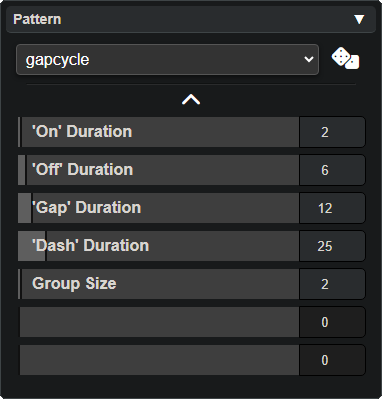
The Pattern Panel controls how each LED blinks or animates over time. Every mode has a pattern assigned to each of its selected LEDs.
Pattern Selection
- Dropdown: Choose from Strobe, Blend, Solid, and Multi-LED patterns. Each category produces a different type of animation.
- Randomize: Click the dice button to instantly apply a random pattern to the selected LED.
Pattern Parameters
Click the chevron to expand the parameter sliders. Each pattern exposes up to 7 adjustable controls (e.g. blink size, gap size, blend speed). Drag a slider or type a value to fine-tune the effect. Disabled sliders mean that pattern doesn’t use that parameter.
Every pattern in the dropdown can be recreated by adjusting these sliders — they are the raw controls that define each pattern’s behavior.
For a complete reference of all available patterns and what each parameter does, see the Patterns page.
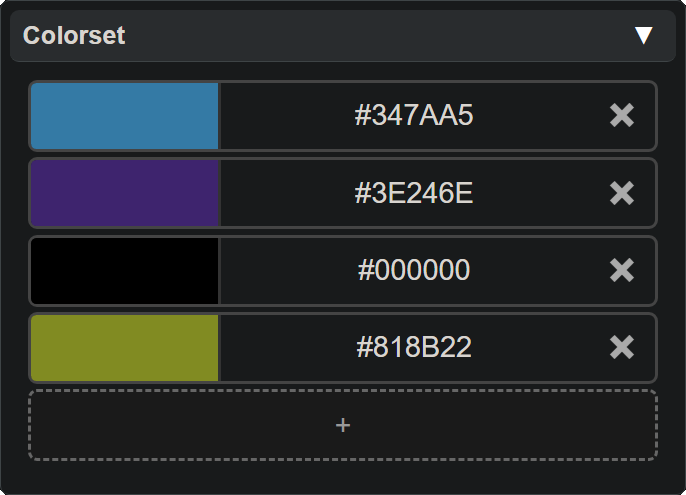
Patterns determine an LED’s blink animation, but the actual colors used come from the Colorset assigned to that LED. See the Colorsets page for details on how colors and patterns work together.