Lightshow.lol
Lightshow.lol is an online Mode Editor and general purpose Vortex Engine simulator.
Connect with any Vortex Device to edit modes and preview them in real-time.
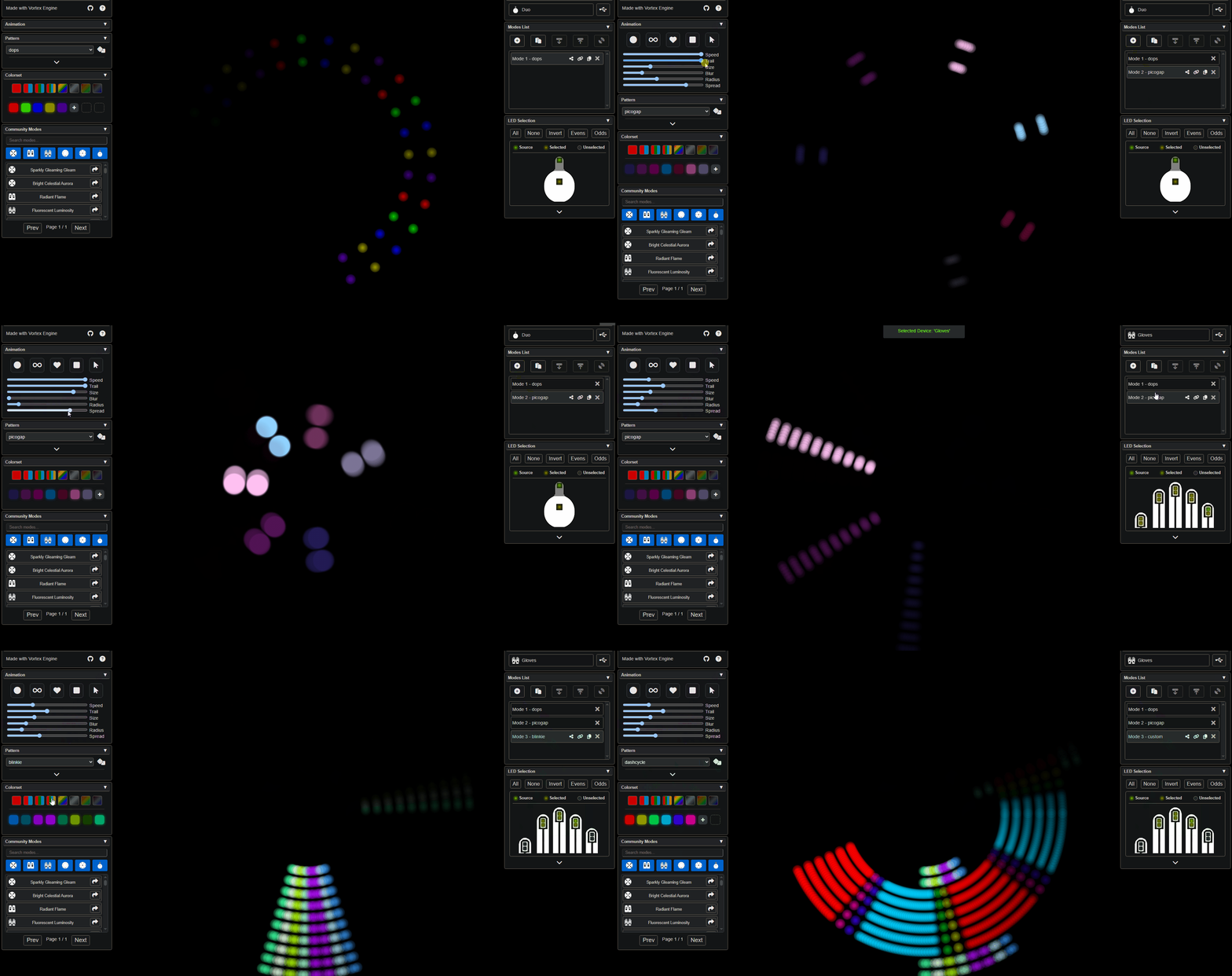
The preview will never look exactly like real LEDs. Although this is a direct simulation, RGB programmable LEDs produce light and colors differently from computer monitors and screens.
The Basics
Think of lightshow.lol as a second Vortex Device.
If you have an Orbit, then lightshow.lol acts like another Orbit you can copy modes to, edit, and sync back.
1. Connect device to lightshow.lol
2. Import modes from device
3. Edit modes with live previews on the device
4. Backup or share modes with the community
5. Sync updated modes back to the device
Vortex Device
On-device stored mode list
Mode A - stored locally
Mode B - stored locally
Mode C - stored locally
USB / Bluetooth Mode Transfer
Lightshow.lol
Independent editable copy
Mode A - editable copy
Mode B - editable copy
Mode C - editable copy
Both sides maintain independent mode lists. USB/Bluetooth only serves to transfer modes and displays a temporary live preview of the selected mode.
Getting Started
To get started with lightshow.lol, check out these tutorials:
For information about the individual controls on desktop look at the Control Panel Documentation.